Your kids program starts here
One protocol brings the age group and belt ladder together.
- Sign in as the owner
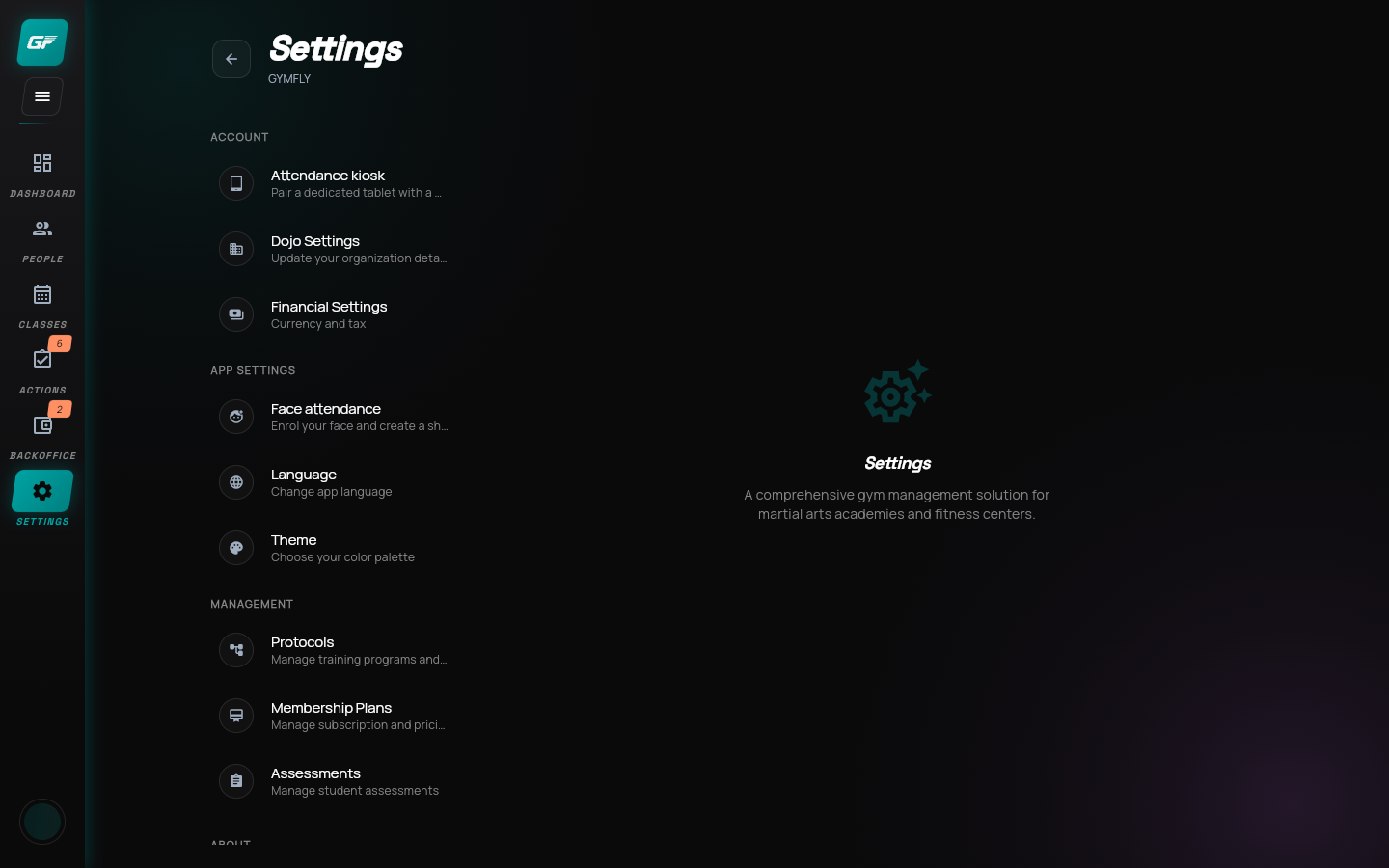
- Open Settings
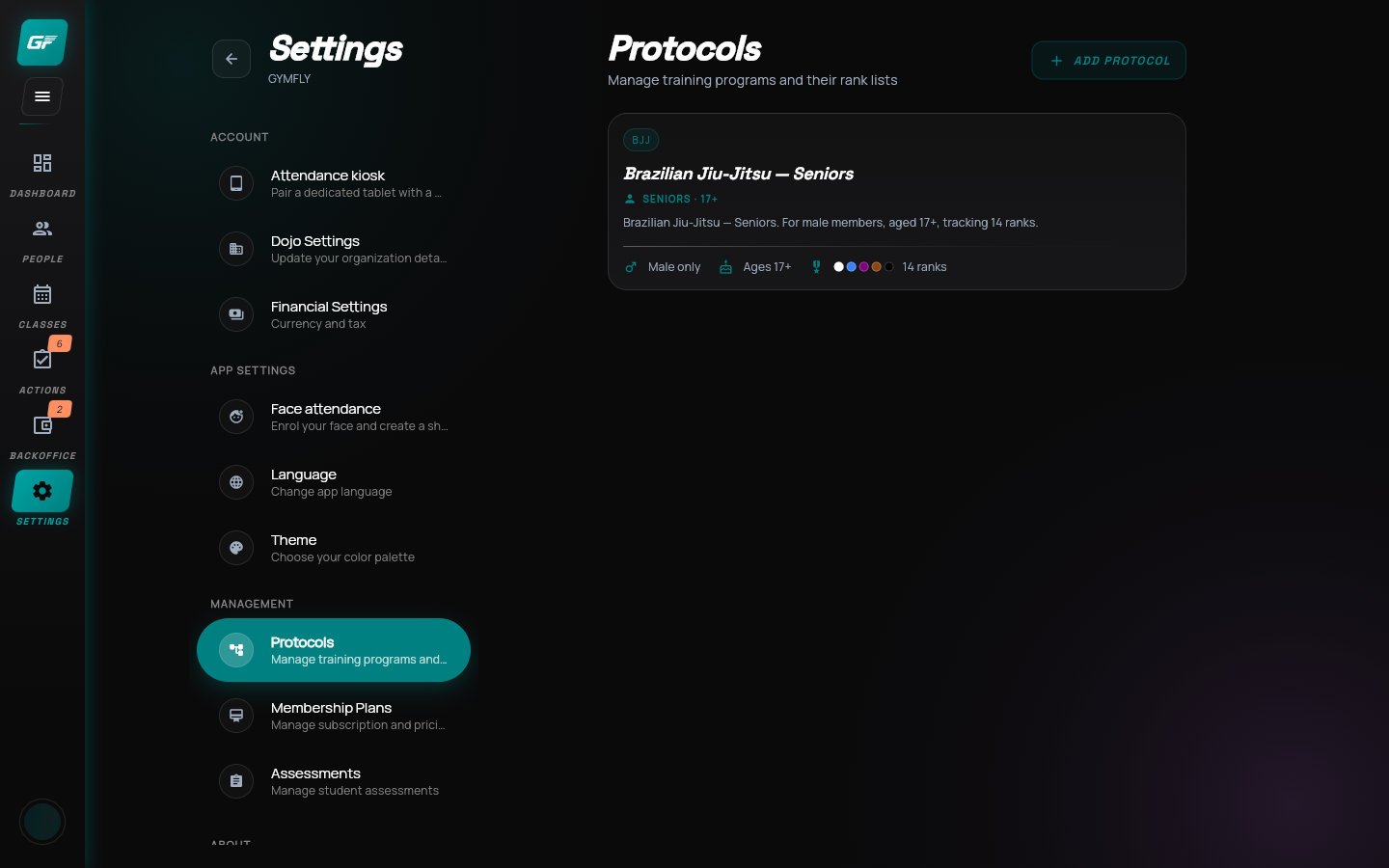
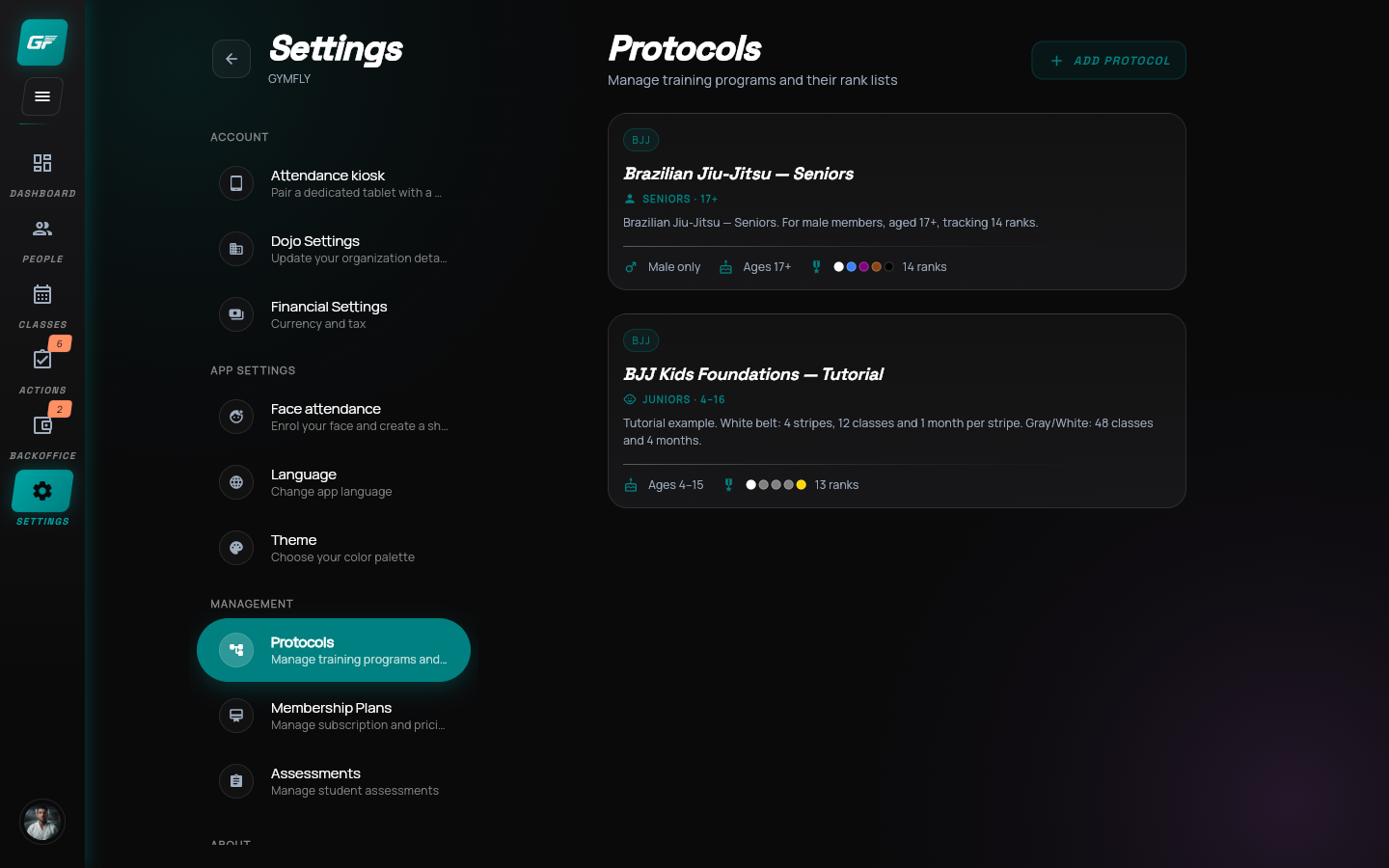
- Find Protocols
The settings in this lesson are an academy example, not federation requirements.
EnlargeBuild your program.
Make it your own.
Build a kids training program, customize the first belt transition, save it and find its settings again.
Settings → Protocols
One protocol brings the age group and belt ladder together.
The settings in this lesson are an academy example, not federation requirements.
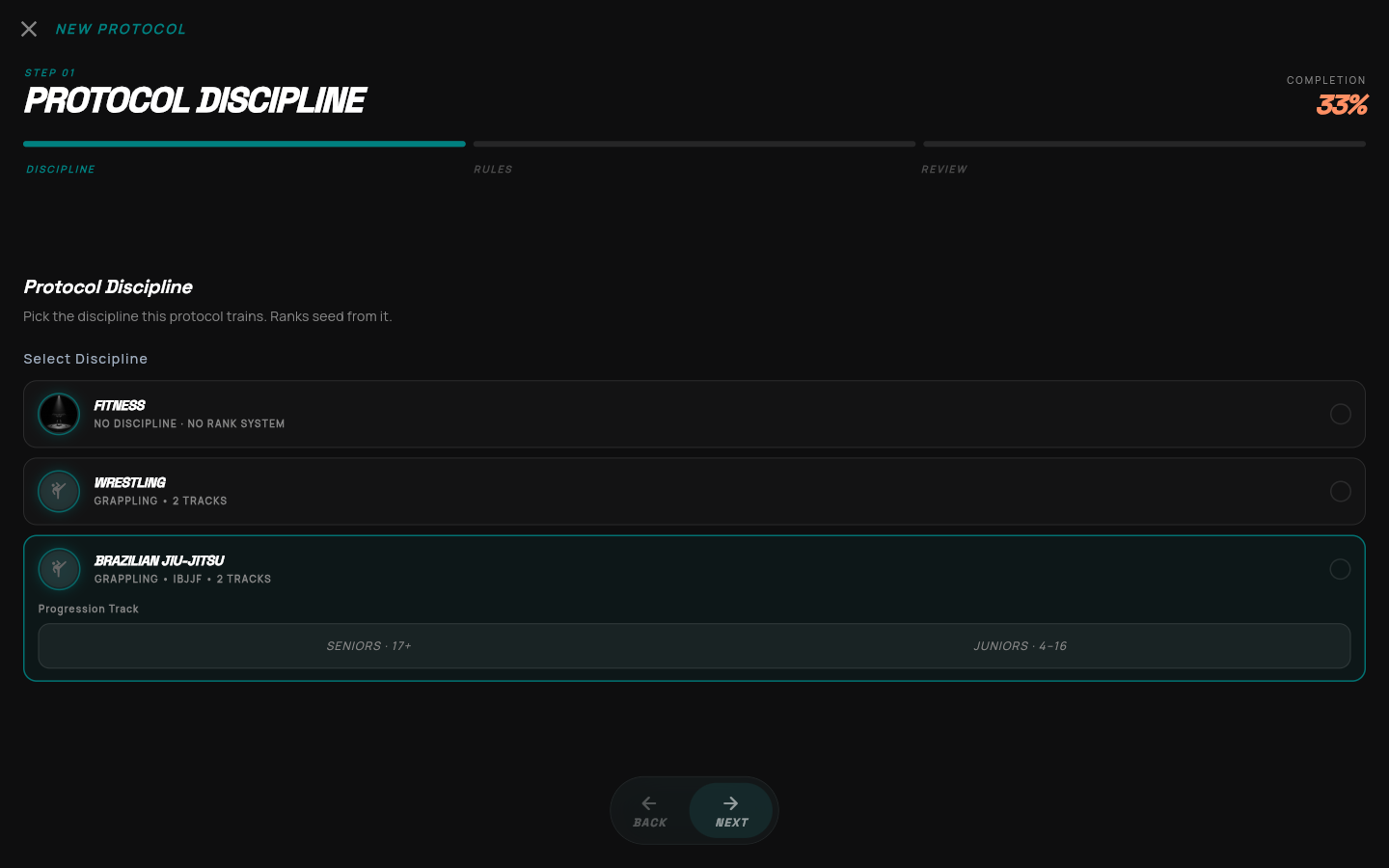
EnlargeKeep the kids program separate from the seniors program.
EnlargeUse the kids ladder as your starting point.
Choose the track before editing its ranks. Switching tracks can replace your edited ladder.
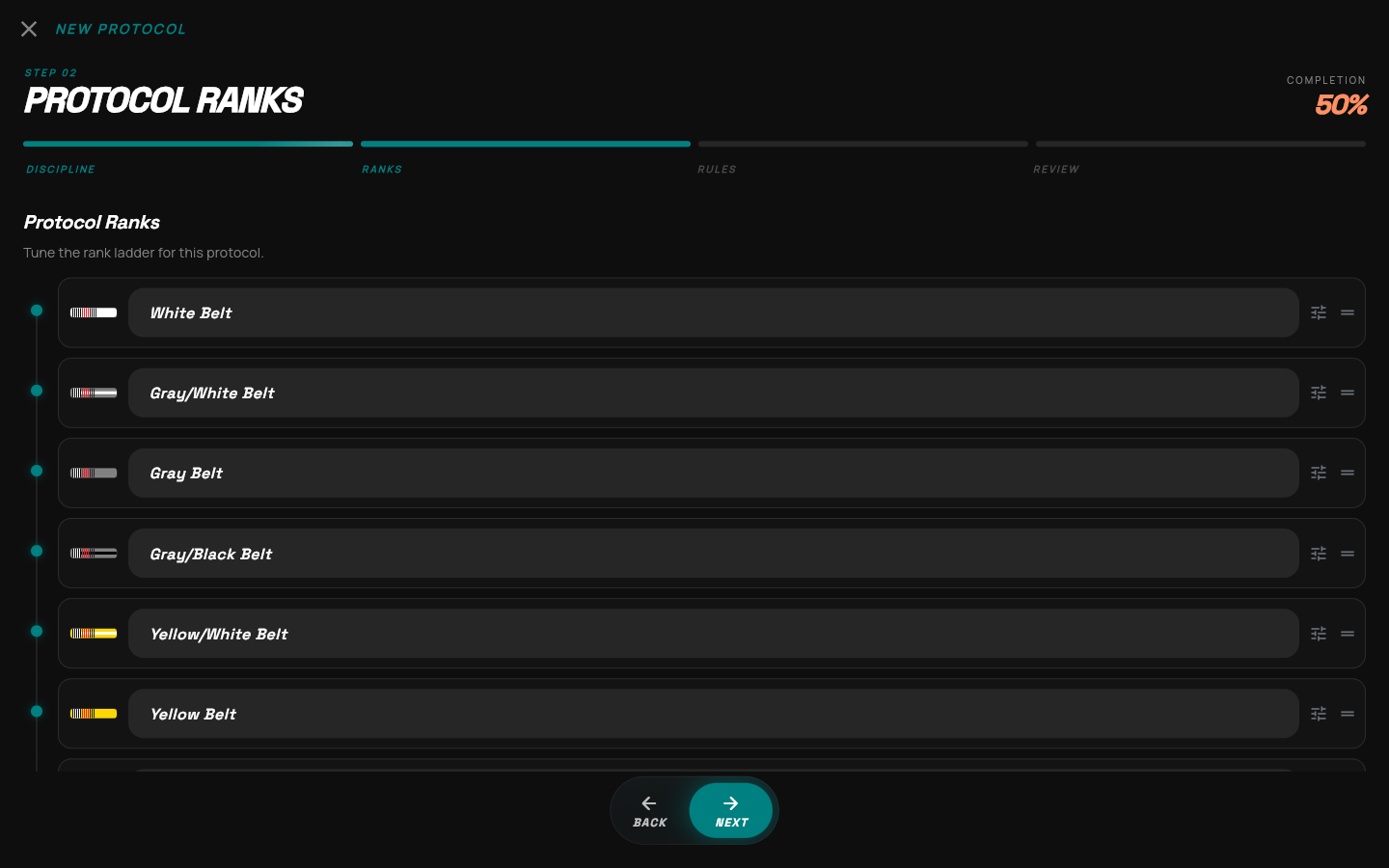
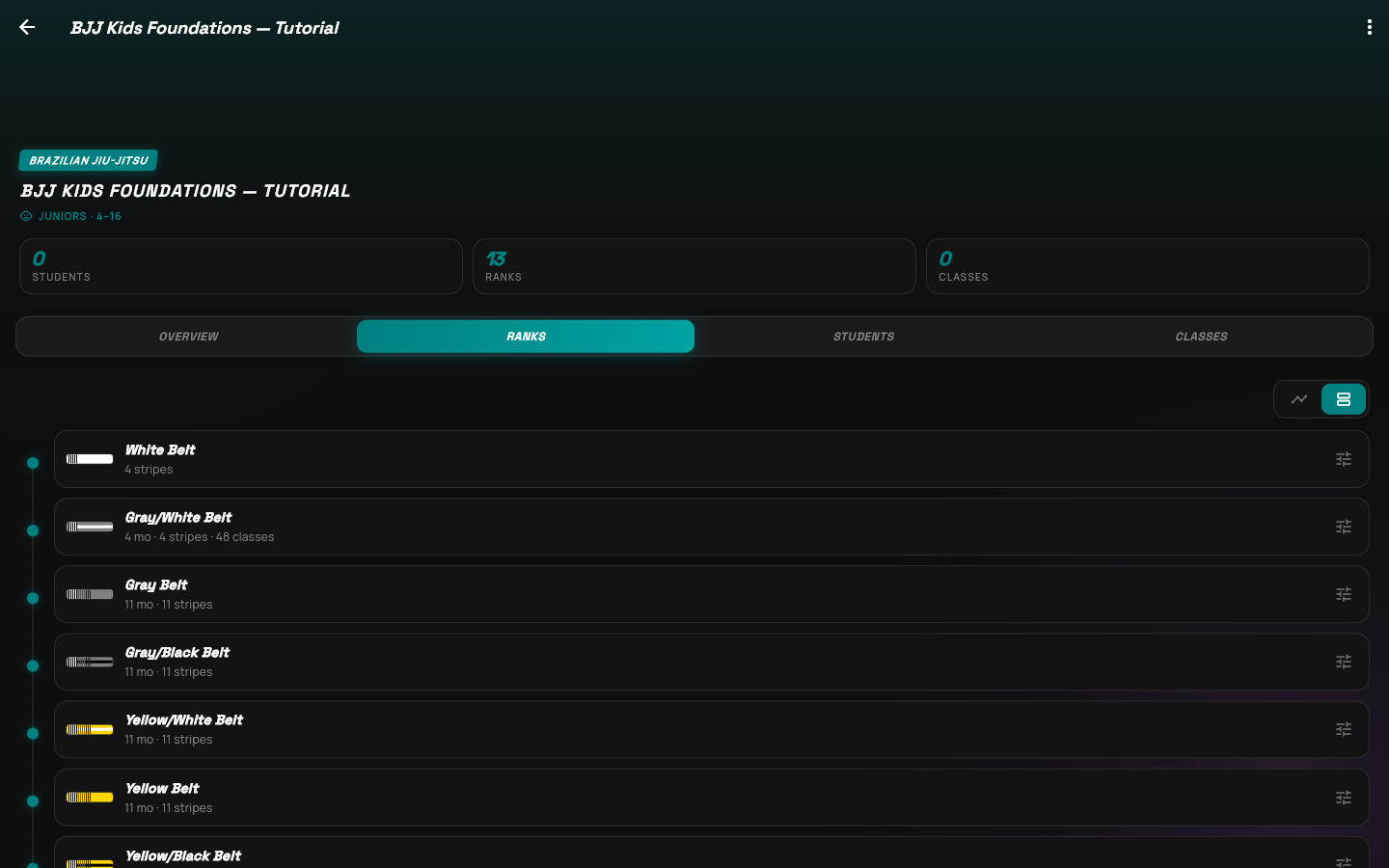
EnlargeThe Juniors template supplies thirteen ranks.
The name field edits a belt label. The far-right handle changes its order.
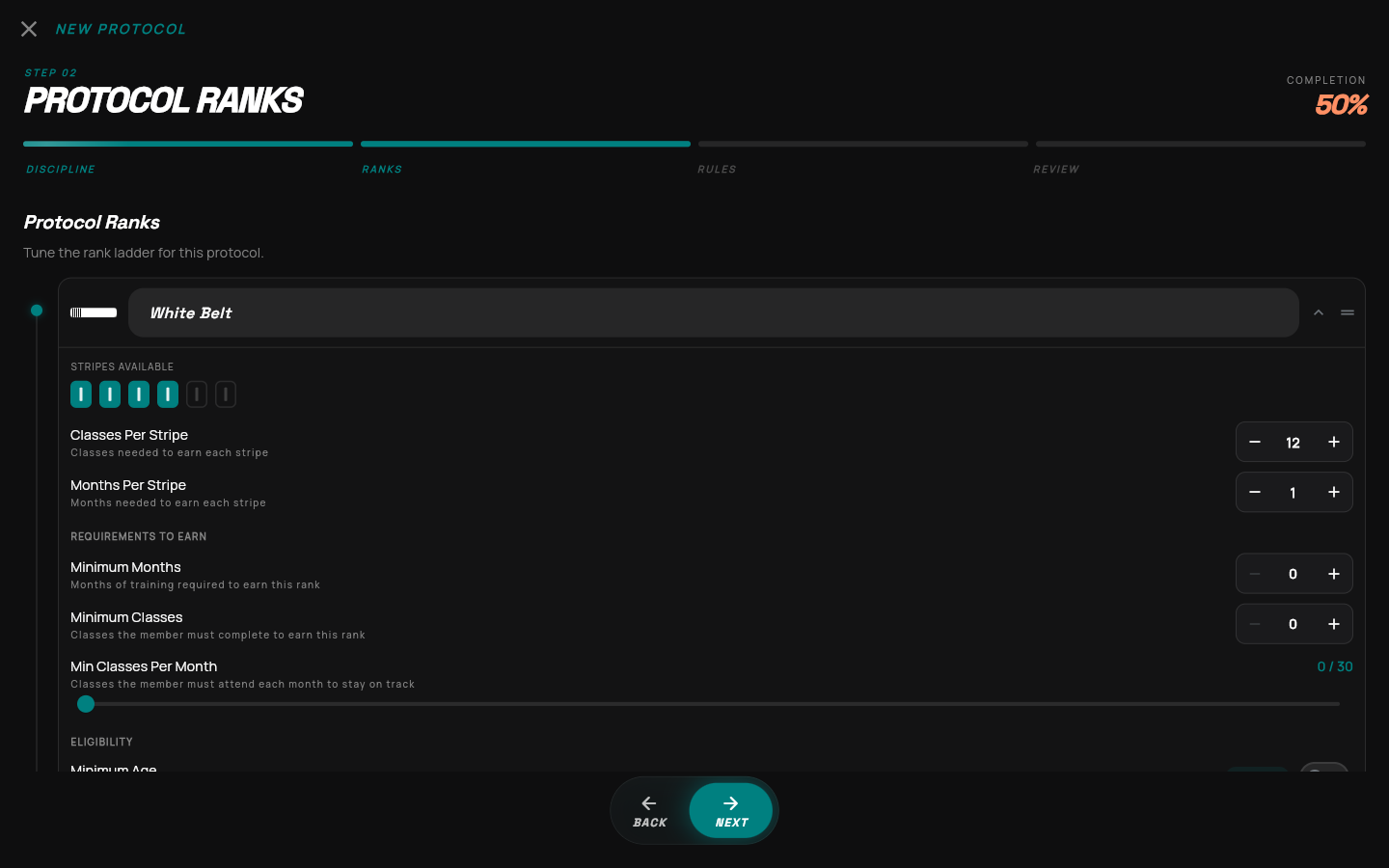
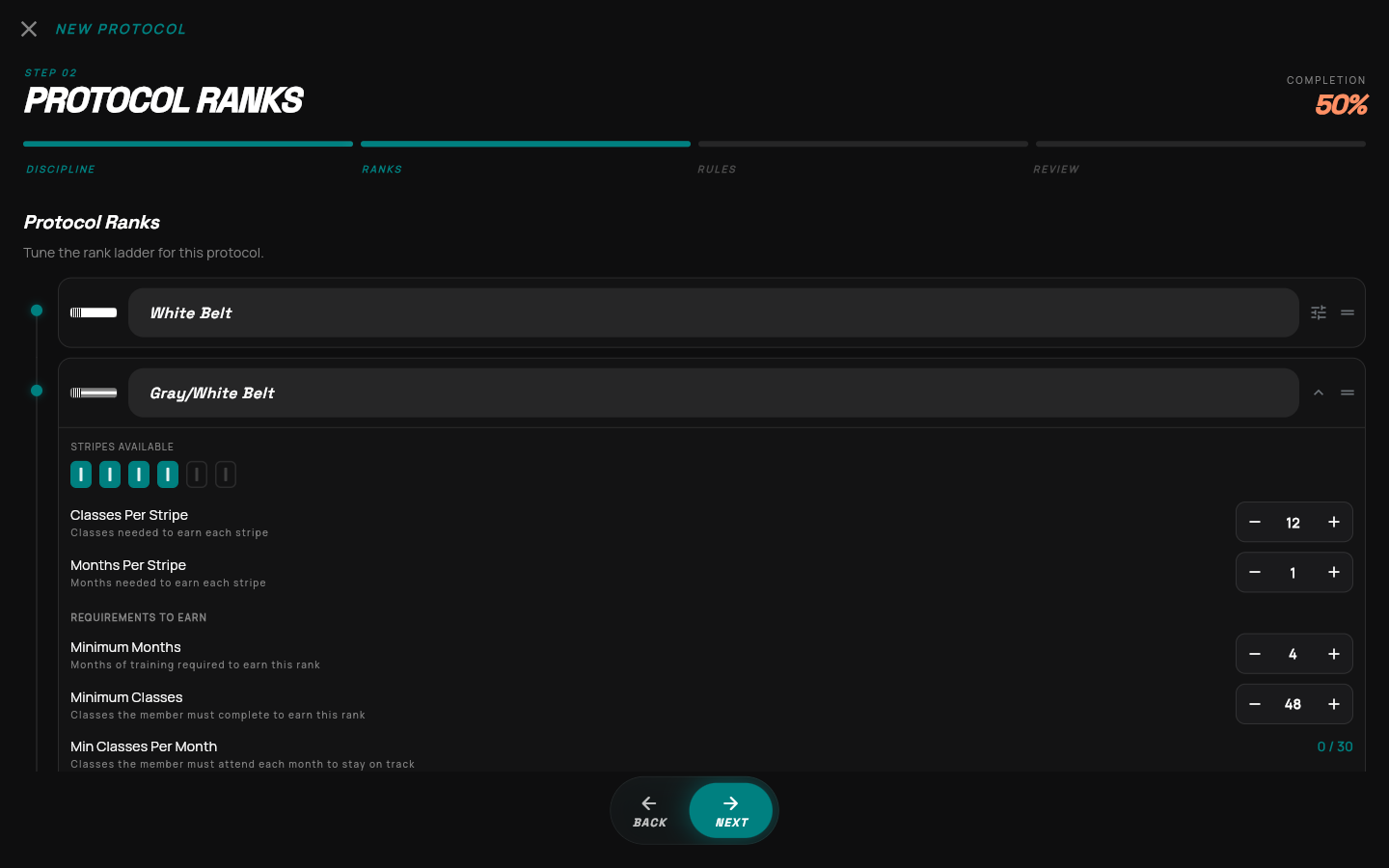
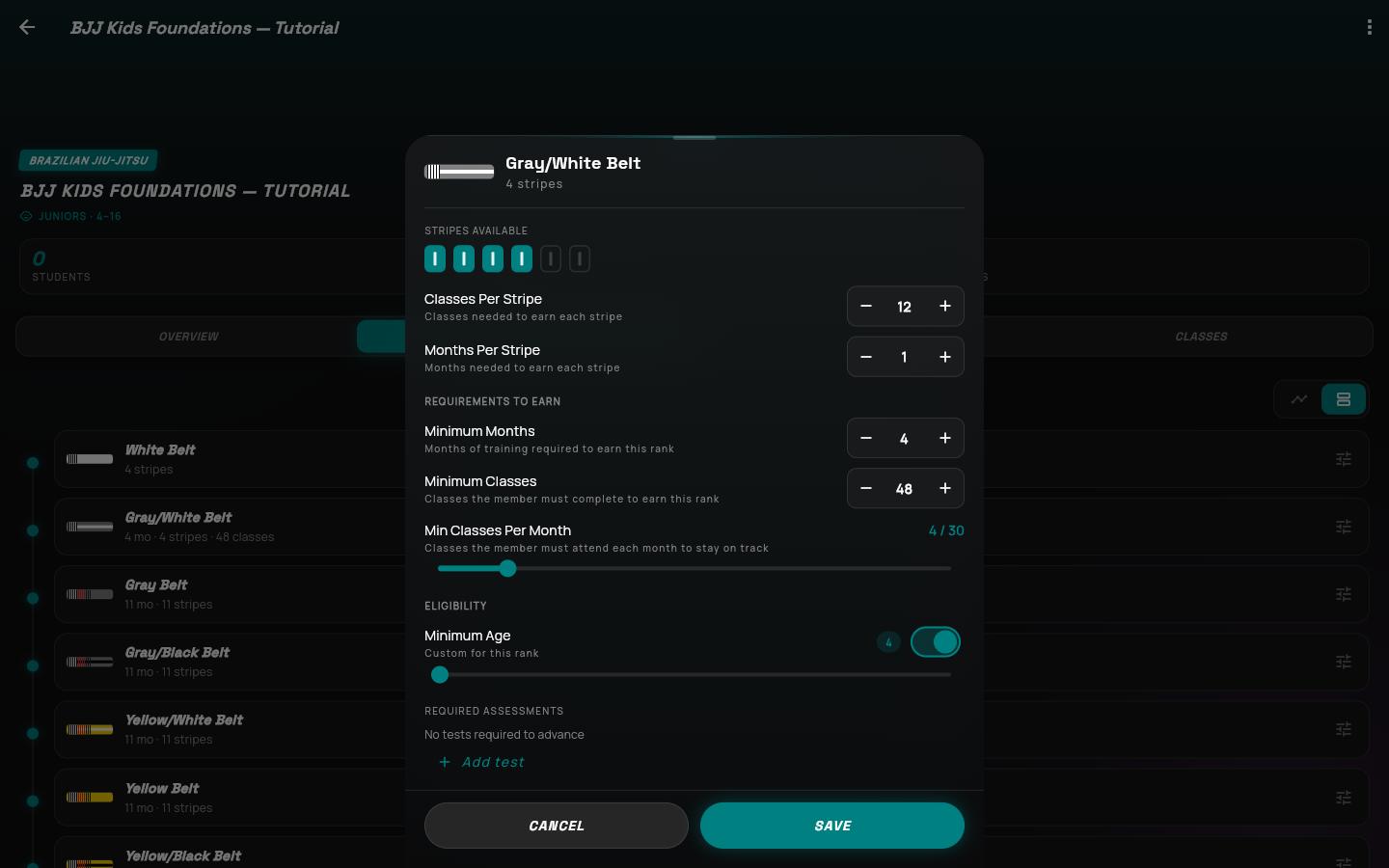
EnlargeStripe rules describe progress while the student holds this belt.
Both configured thresholds matter: classes and time.
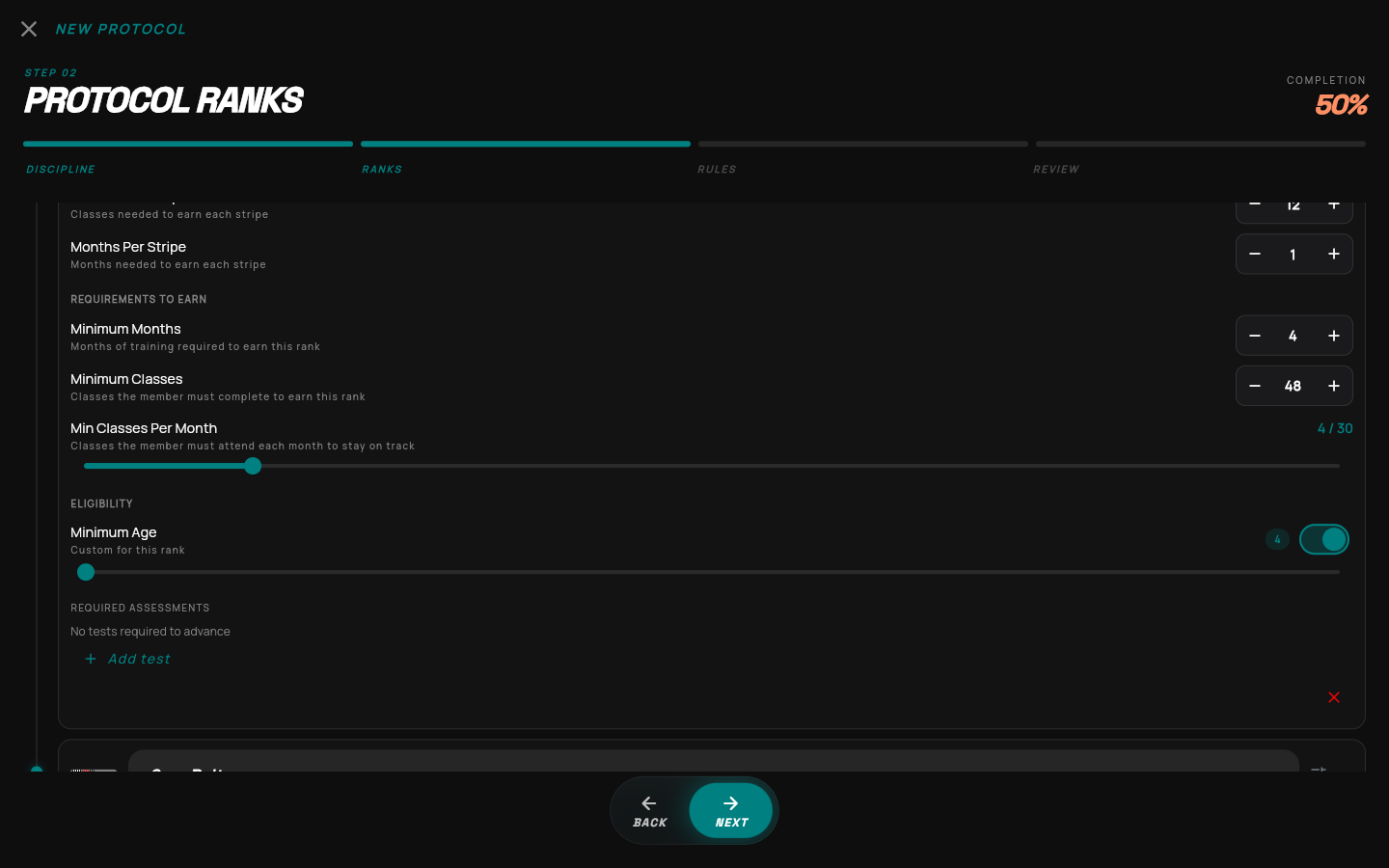
EnlargePromotion requirements go on the belt the student is working toward.
Gray/White also gets 12 classes and 1 month per stripe for the time spent holding that belt.
EnlargeUse attendance, age and assessments to express your academy’s policy.
This example leaves required assessments empty.
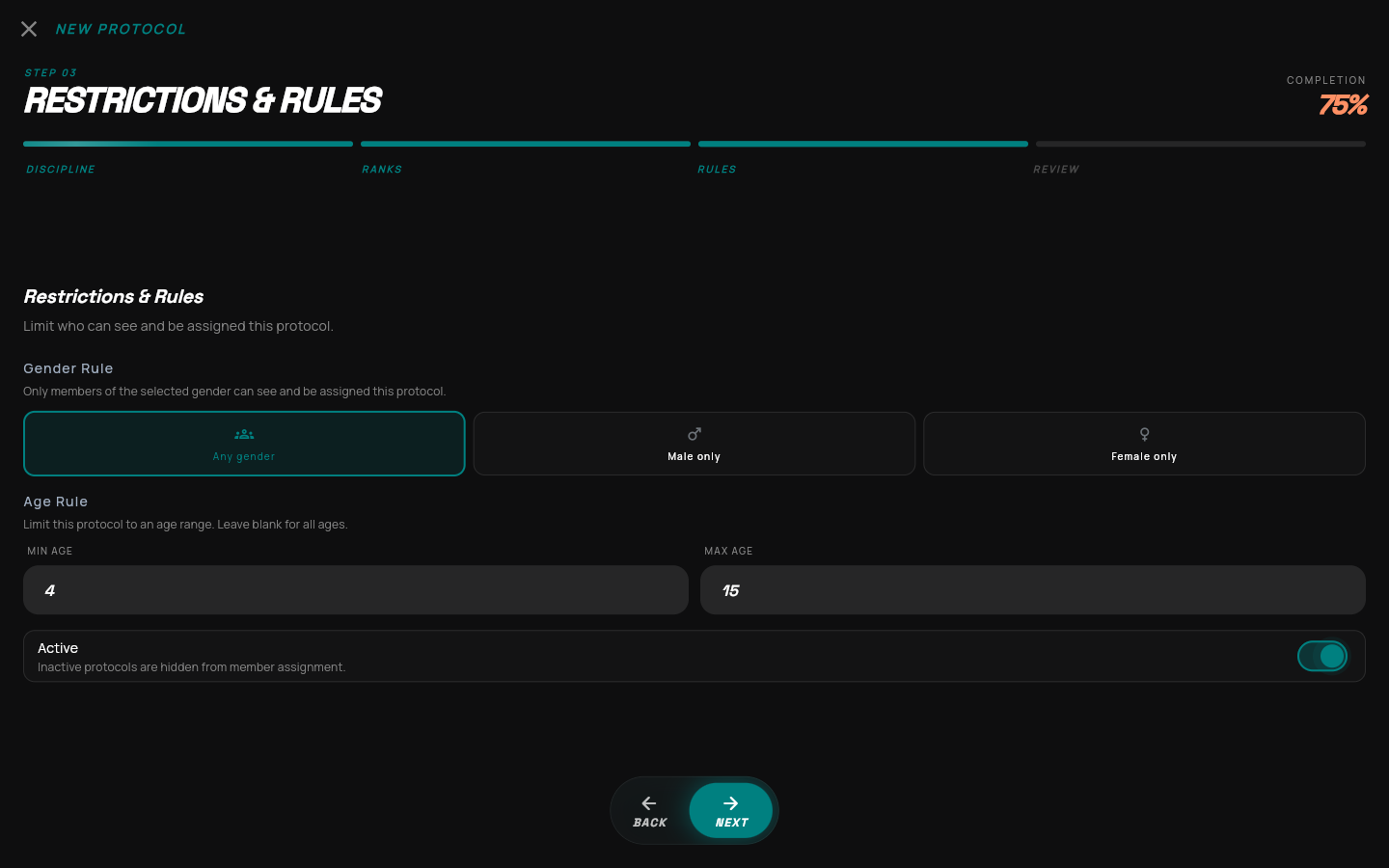
EnlargeThe assignment rules belong to this protocol.
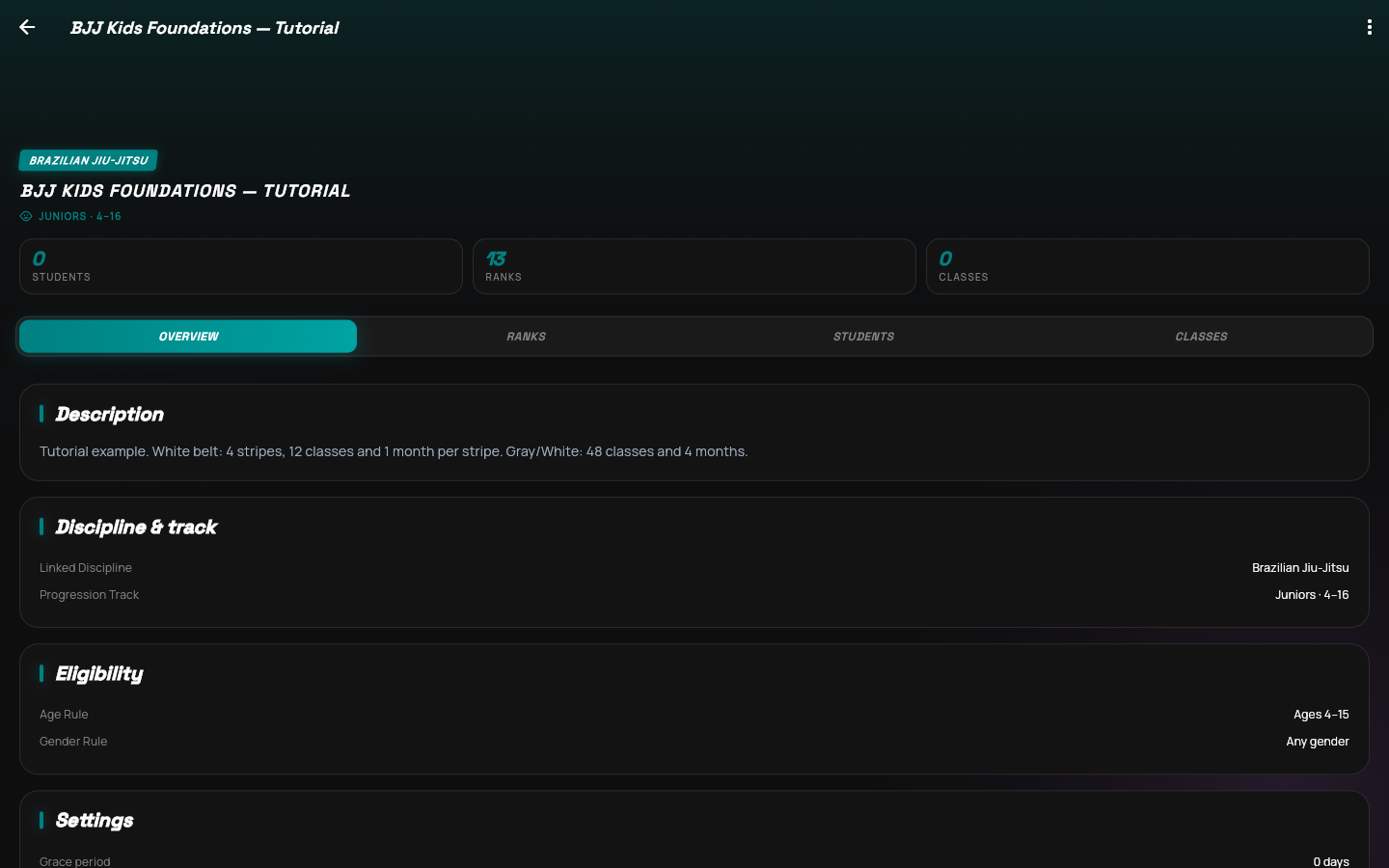
The Juniors source label remains 4–16. Your protocol’s assignment rule is 4–15.
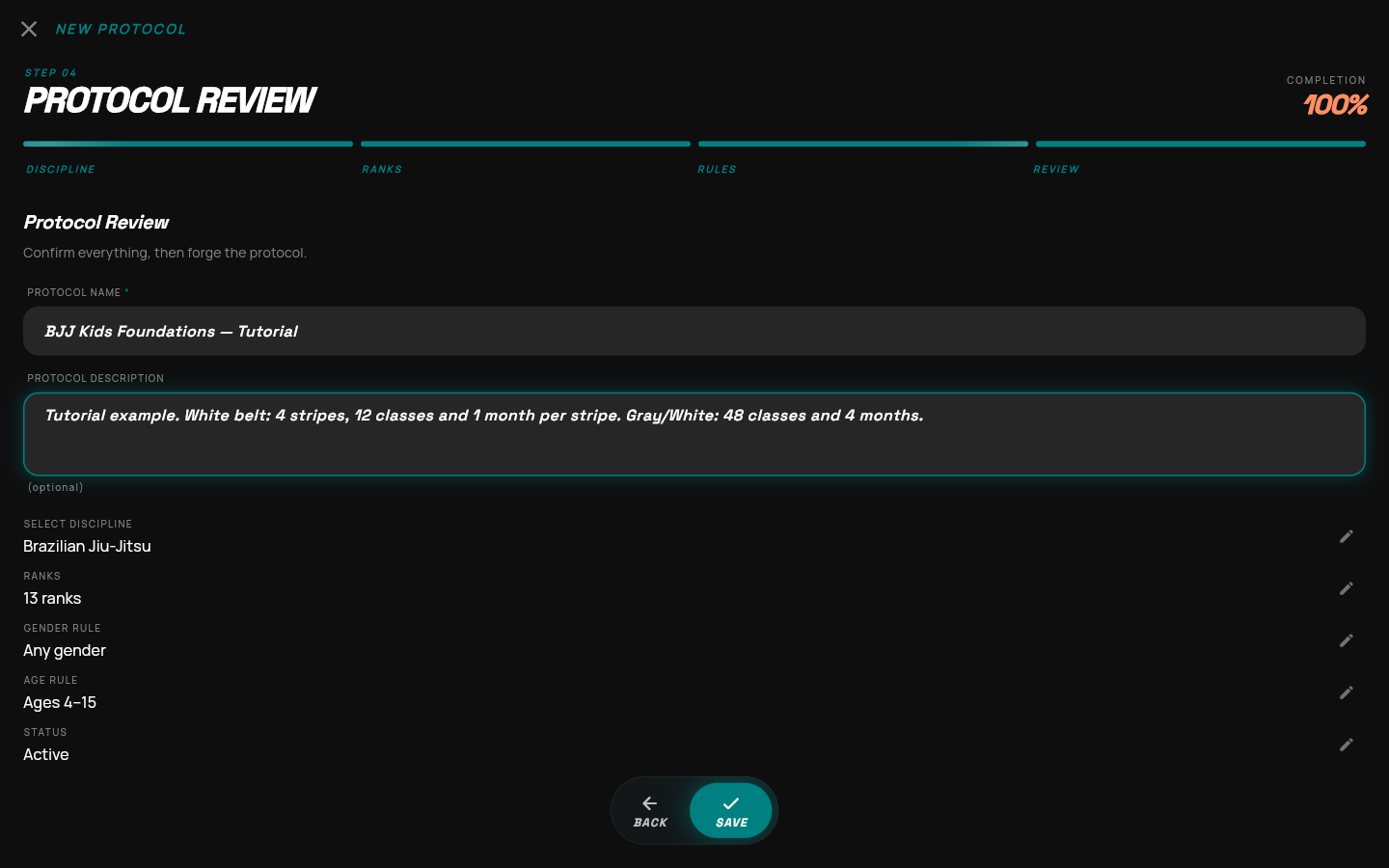
EnlargeUse a clear name that staff will recognize when assigning members.
The edit icons return you to the relevant wizard step.
EnlargeThe new program now appears in the Protocols list.
EnlargeThis page is the home for the protocol after creation.
EnlargeOpen a belt to inspect its persisted requirements.
EnlargeReopening a belt confirms the values persisted.
Apply the same process to the remaining belts before using the full program.
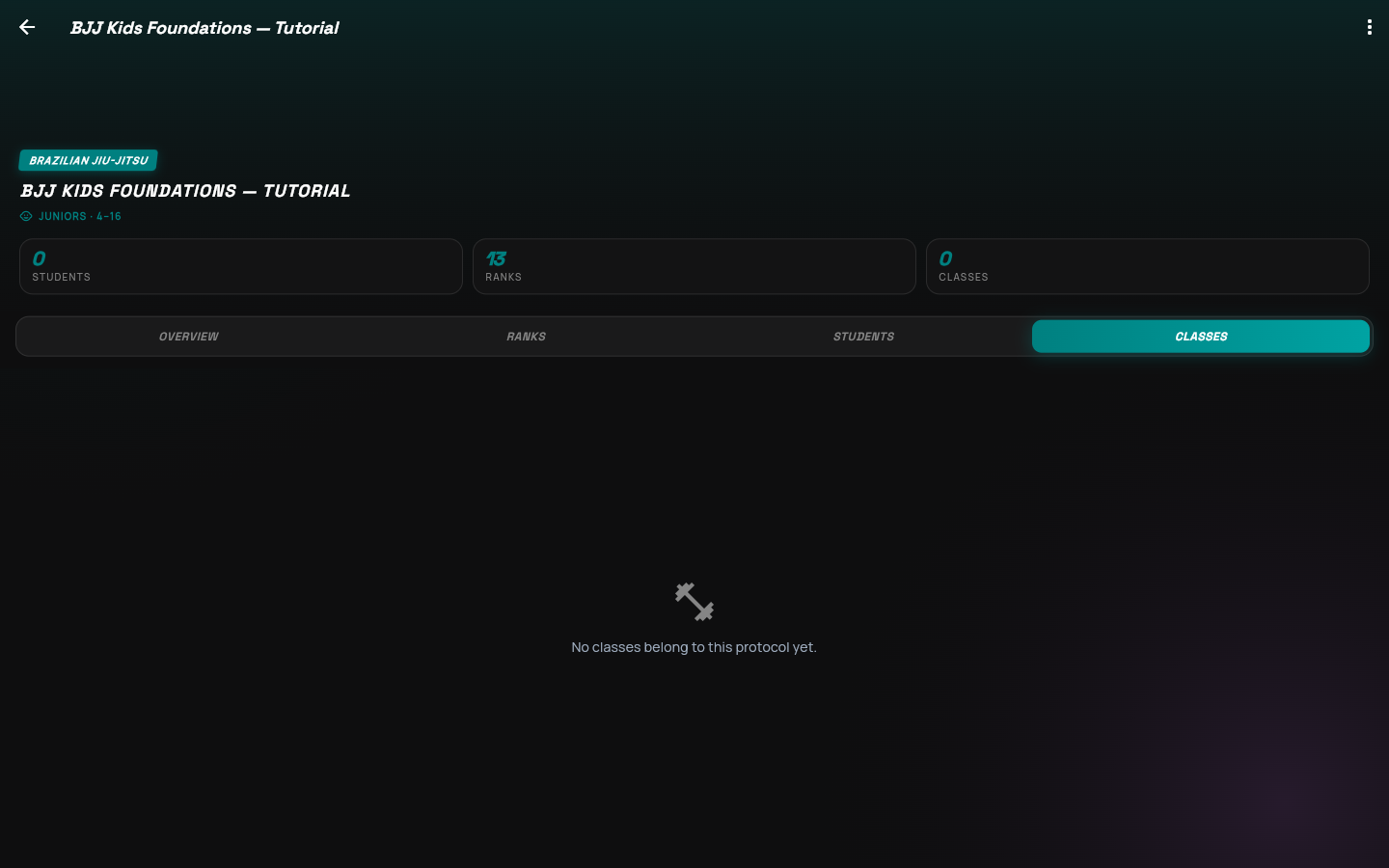
EnlargeA protocol needs students and qualifying classes to track real progress.
This recording example was removed after verification. Create your own protocol using your academy’s settings.
Enlarge